
Designing the flow
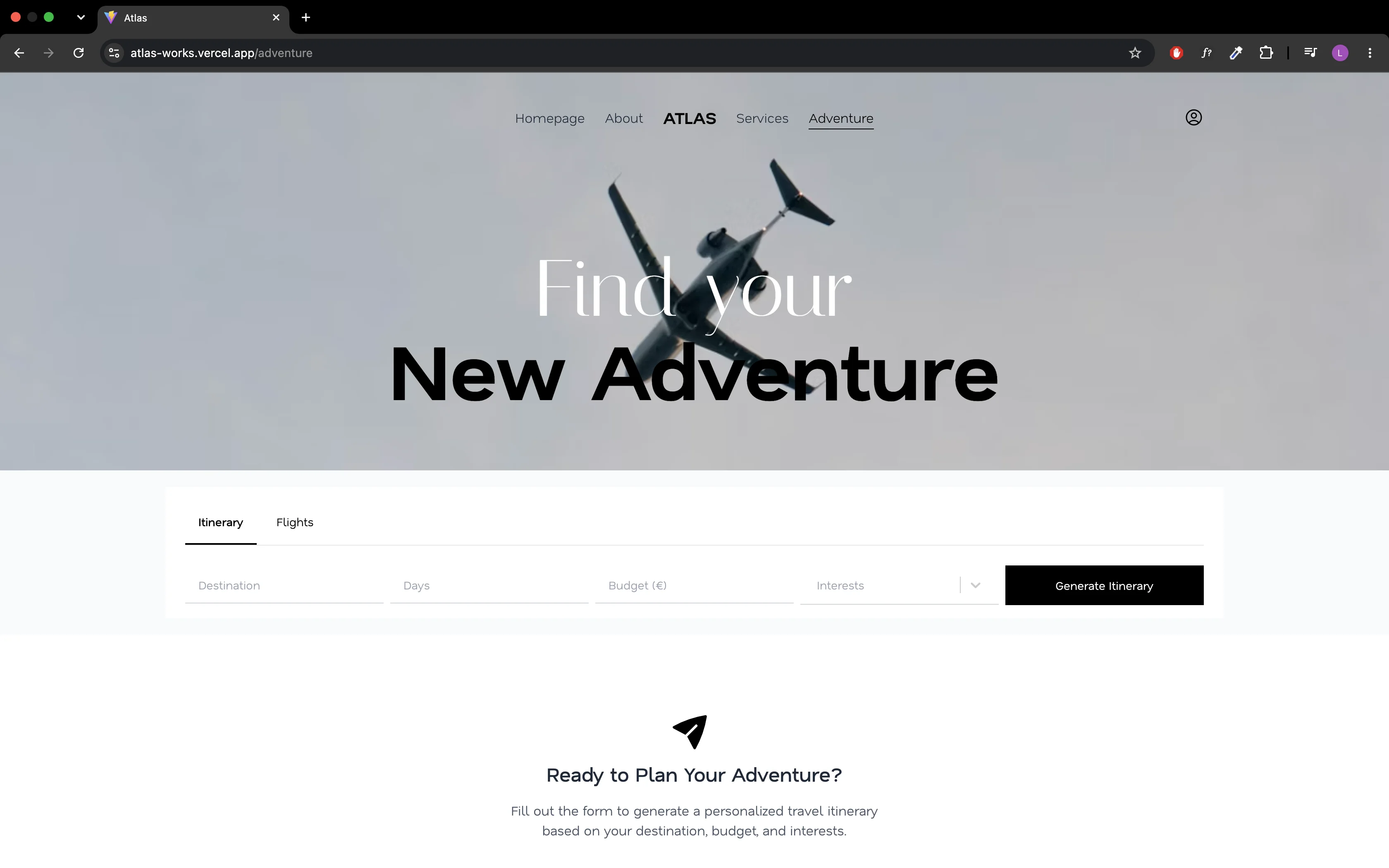
I mapped the journey before writing code: sign in, choose a destination, tune preferences, generate, refine. Each screen answers one question, so the AI step never feels like a black box.
An AI-powered travel planner that turns a destination and a few preferences into a day-by-day itinerary, backed by real flight data.

Atlas is a full-stack travel planning platform I designed and built end to end. You pick a destination, set dates and preferences, and Atlas generates a complete itinerary with AI, then layers real flight data on top so the plan is something you can actually book.
I owned the whole product: the React front-end, the Java Spring Boot REST API, the PostgreSQL database on Supabase, authentication with JWT and Google OAuth, and the AI pipeline. It started as a way to see how far I could push LLMs inside a real application, and it became the project where I learned the most about performance.
Trip planning is fragmented: flights on one site, ideas scattered across blogs and maps, and no single place that turns a vague idea into a concrete plan. The goal was to build that place. The hard part was making AI generation fast enough to feel like a product feature instead of a demo.
The first AI stack took over five minutes to generate a single itinerary
Flight data had to be real, through the Amadeus API, with its own auth flow and rate limits
Sign-in needed both email and password and Google OAuth, on a solo project with no budget
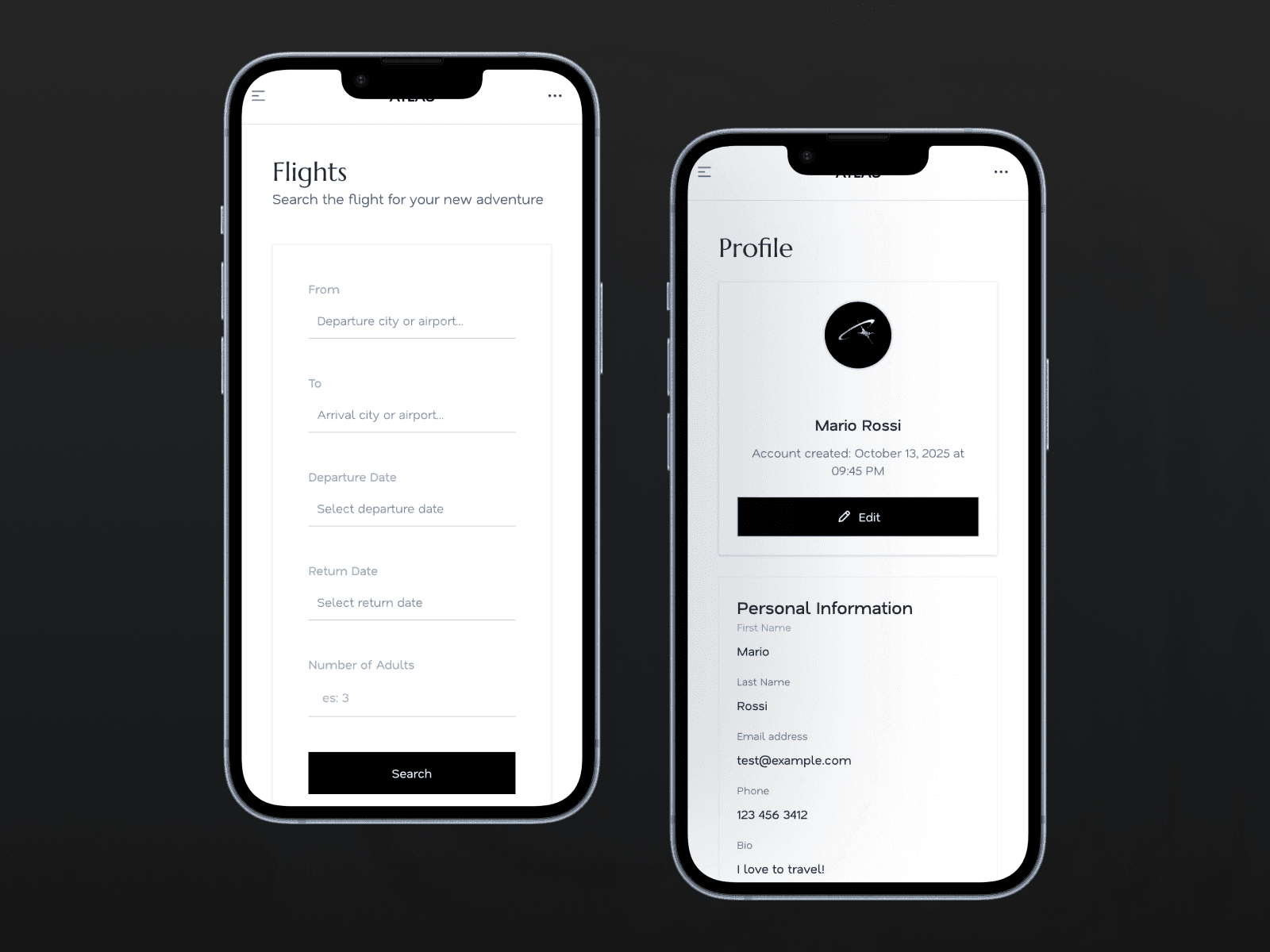
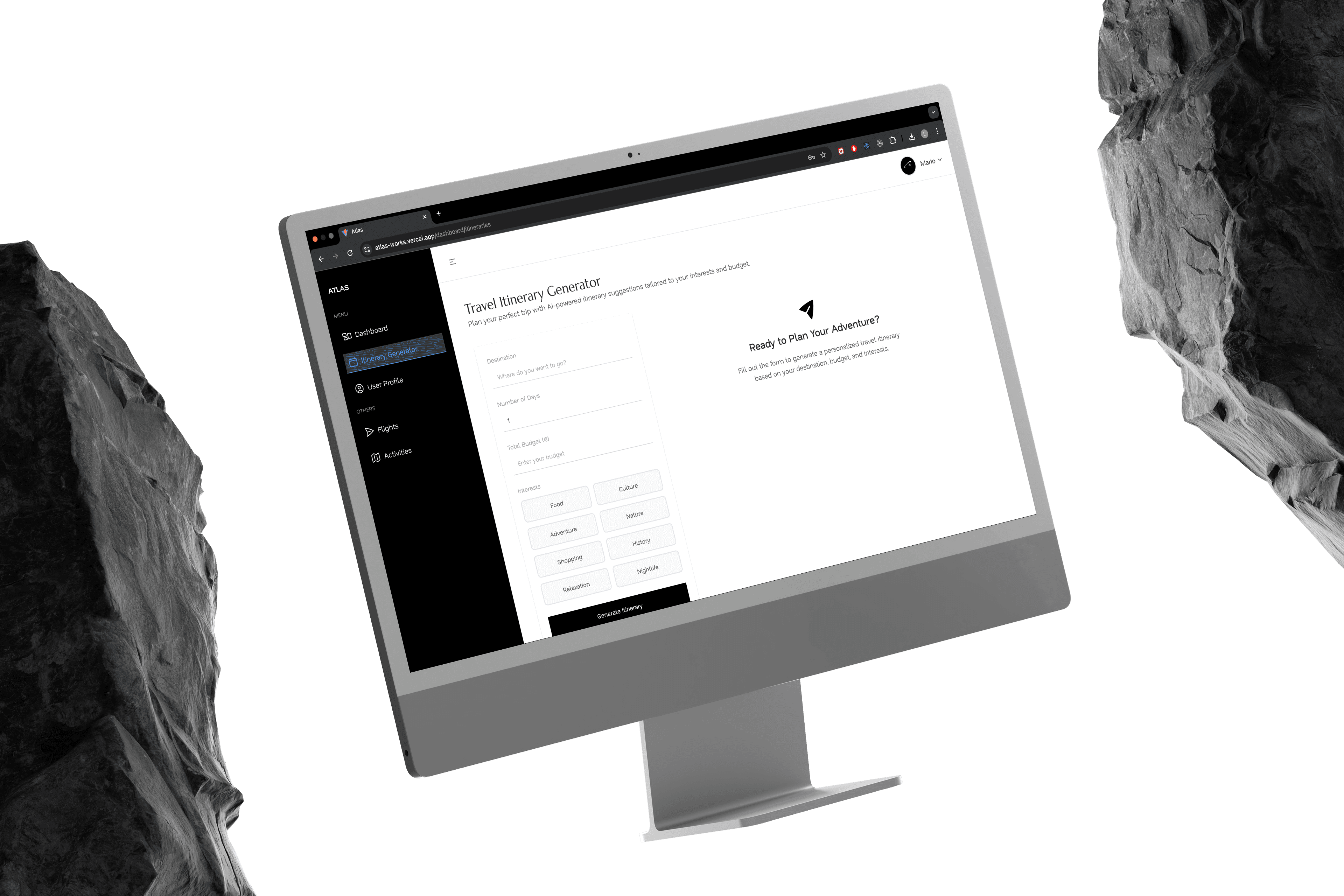
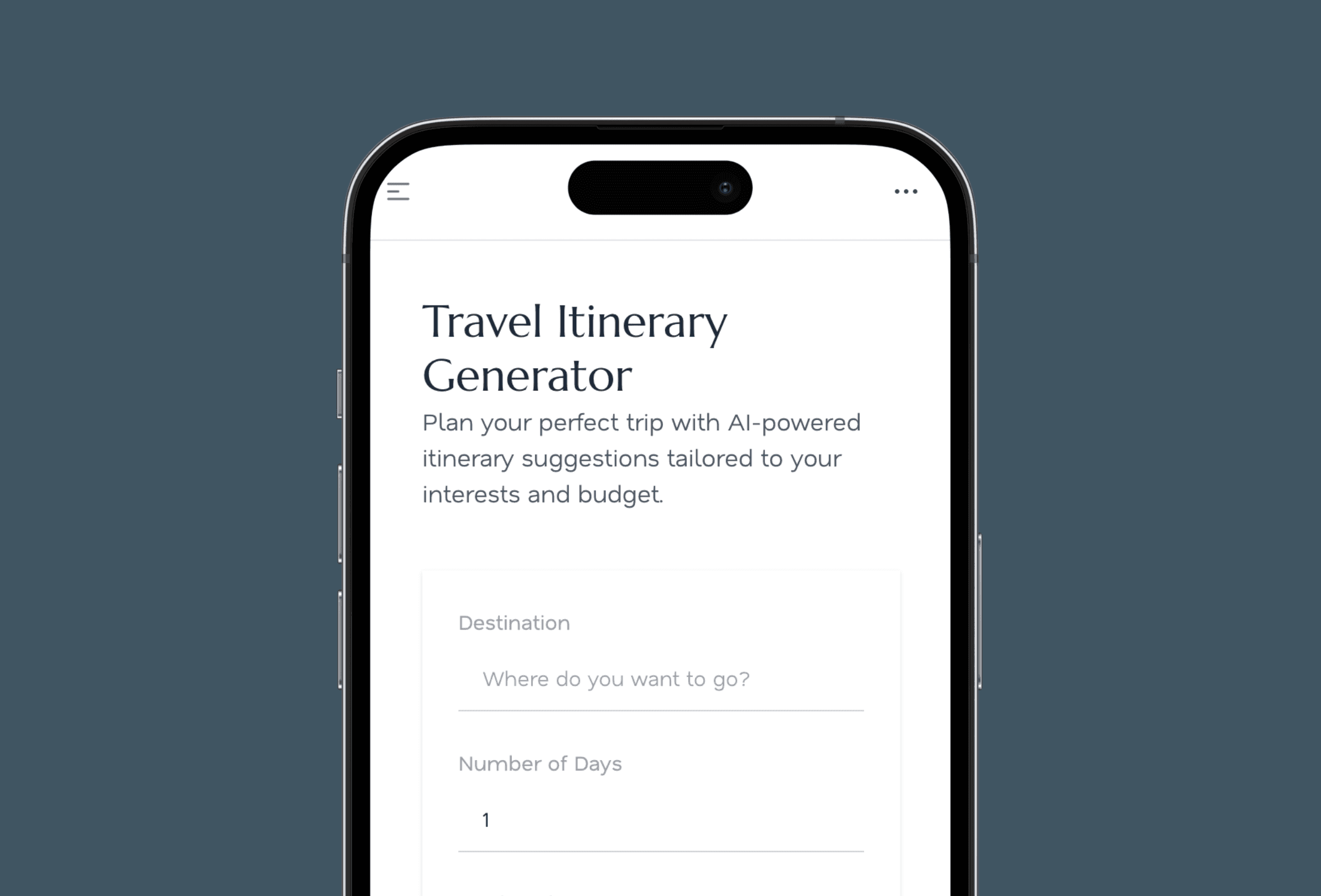
I mapped the journey before writing code: sign in, choose a destination, tune preferences, generate, refine. Each screen answers one question, so the AI step never feels like a black box.
The Spring Boot back-end exposes a REST API for users, trips and itineraries, with PostgreSQL on Supabase. Flight lookups through Amadeus live in their own service, isolated from the AI calls, so each integration can change without touching the other.
The first version ran Python with Ollama and a local Mistral model. It worked, but one itinerary took over five minutes. I moved inference to Groq and OpenAI and reworked the prompts around that, cutting response time to a few seconds.
Why
Local inference was free but far too slow for an interactive flow. Hosted models made generation near-instant and let me pick the right model for each step.
Trade-off
The app now depends on external providers and pays per request.
Why
Email and password with JWT keeps the API stateless, while Google OAuth removes friction for people who just want to try the app.
Trade-off
Two sign-in paths mean twice the edge cases to handle and test.
Why
An itinerary is only useful if you can act on it. Live flight data makes the plan bookable instead of a list of guesses.
Trade-off
One more integration to maintain, with rate limits and its own authentication.
5 min → seconds
AI itinerary generation, before and after moving to Groq and OpenAI
2
Sign-in methods: email and password with JWT, and Google OAuth
Live
Flight data from the Amadeus API inside every plan

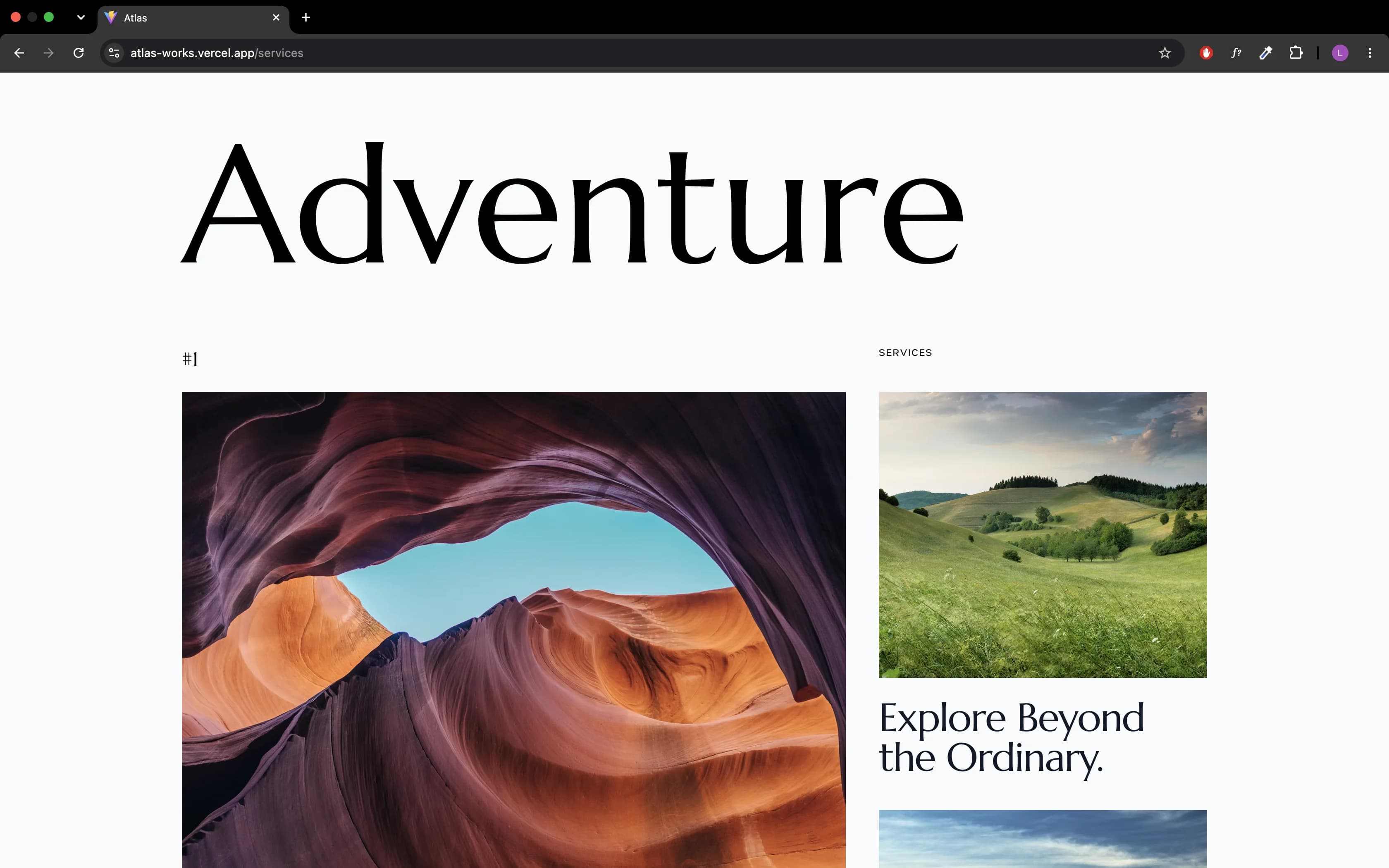
Performance is a product feature. A five-minute wait made the AI feel broken even when the output was good; a few seconds made the same output feel effortless.
Keeping every third-party service behind its own layer paid off the moment I swapped the AI provider. Next time I would define the itinerary data shape before writing the first prompt, so the front-end and the model agree from day one.